Registeration Workflow
Below is the step-by-step walkthrough for the Registration Steps and Verification Steps
Registration Steps walkthrough:
Step1: On the login page, click Register.
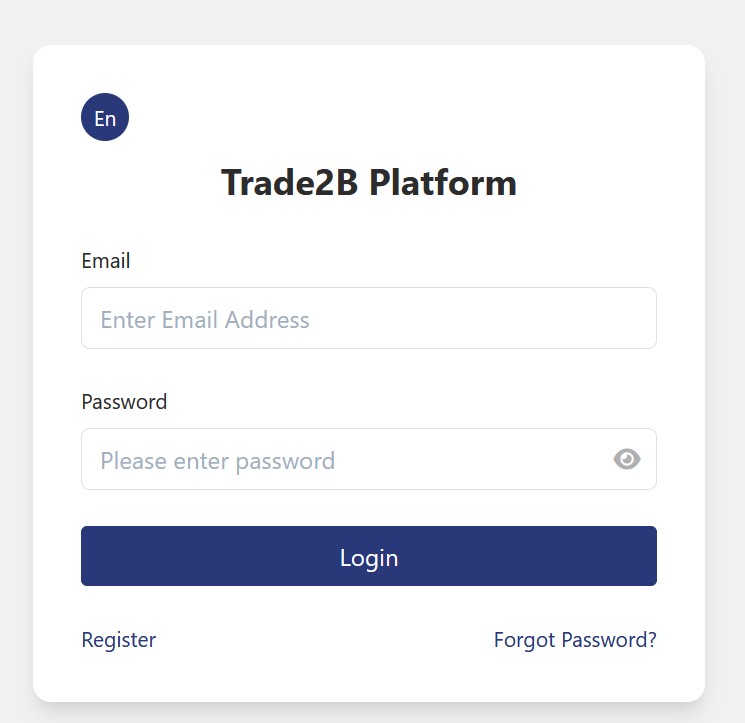
Step 2
- Enter your email address, then click Get Verification Code.
- Check your email for the verification code. Then enter the code in the Email Code field. The verification code is valid for 5 minutes.
- Enter your company name, country of registration, and contact phone number. Then click Register.
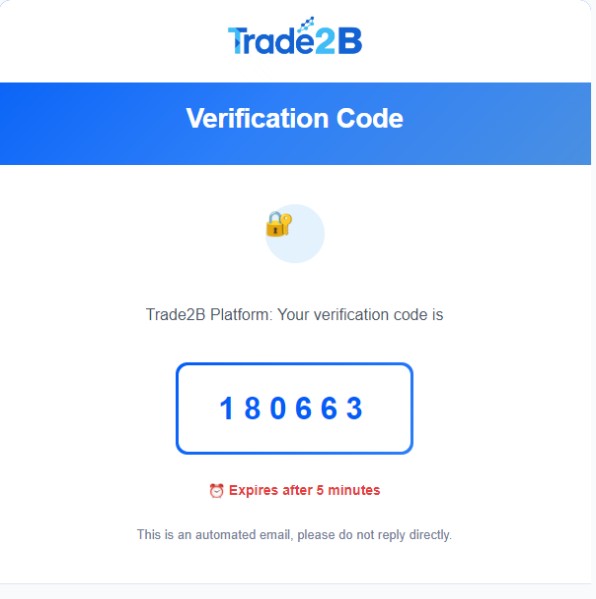
Step 3:
- Check your inbox (and spam/junk folder) for the welcome email we sent after registration. It contains your temporary password.
- Return to the login screen, enter your email address and the password from the email, then click Login.

Step 4:
- Click Get Verification Code.
- Check your email (including spam/junk folder) for the verification code we sent you.
- Enter the code in the Verification Code (or Email Code) field.
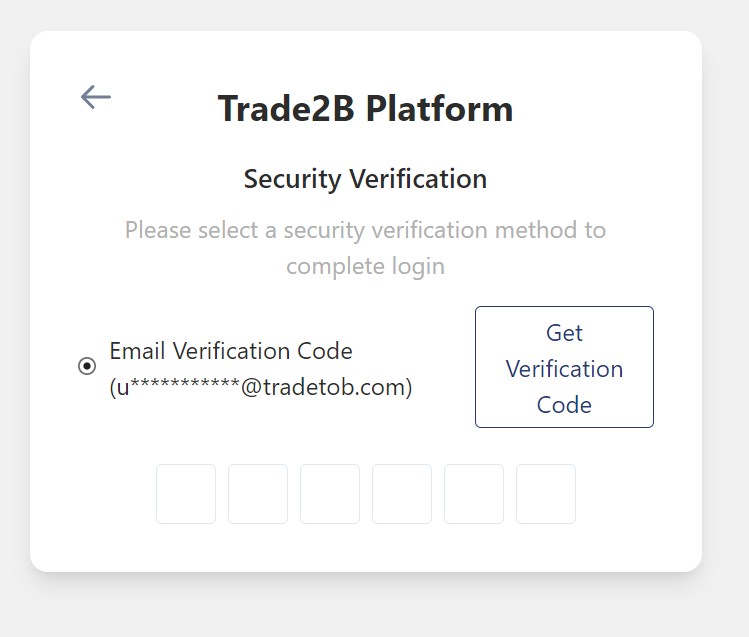
Step 5:
Change login password.
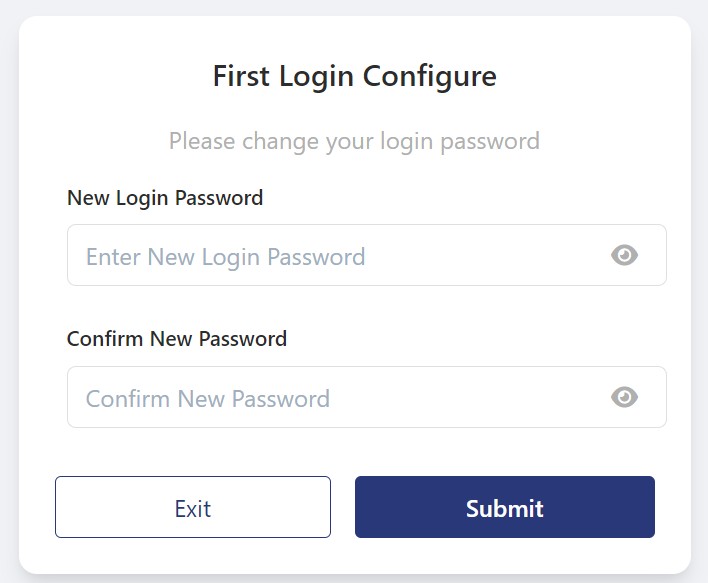
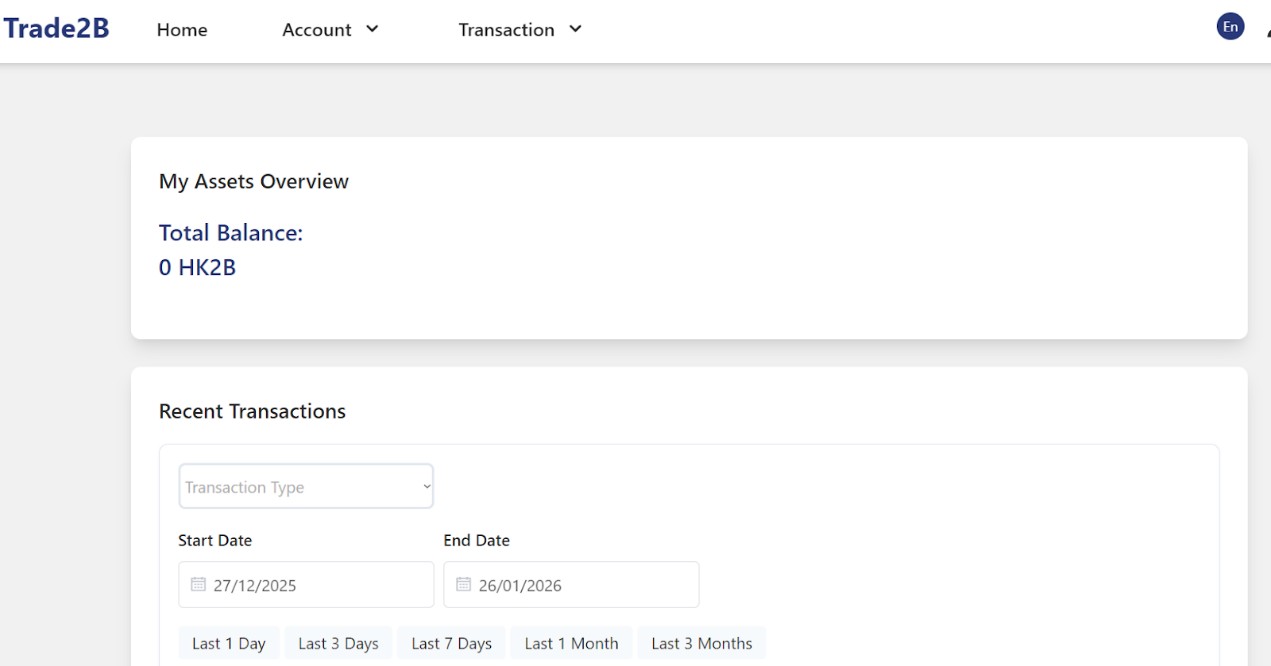
Step 6: After changing password, the account registration is completed and your will be redirected to the screen below:
IMPORTANT NOTICE:
While the content creator of this page had exercise care in preparation of the information and content at the time of the creation of this page. Charts, figures and examples are illustrative only, we cannot guarantee the timeliness and accuracy of such information and content by the time you read the information.
The information and content in this section are not a solicitation / invitation / recommendation and is not an investment advice. You are advice to seek independent advice from professionals before, including but not limited to buying / selling / holding / exchanging / swapping / engaging business / making any decisions related to Stablecoins / Digital Assets / Virtual Assets.
IF YOU ARE UNSURE, PLEASE CONSULT FOR INDEPENDENT AND PROFESSIONAL ADVICE NOW.
A total of 1 page 1 data