What if I forgot my login password?
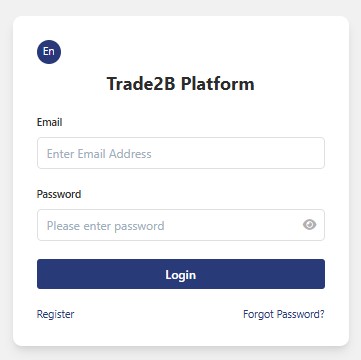
Step 1: On the login page, click Forgot Password?.
Step 2: Enter your email address, then click Get Verification Code.
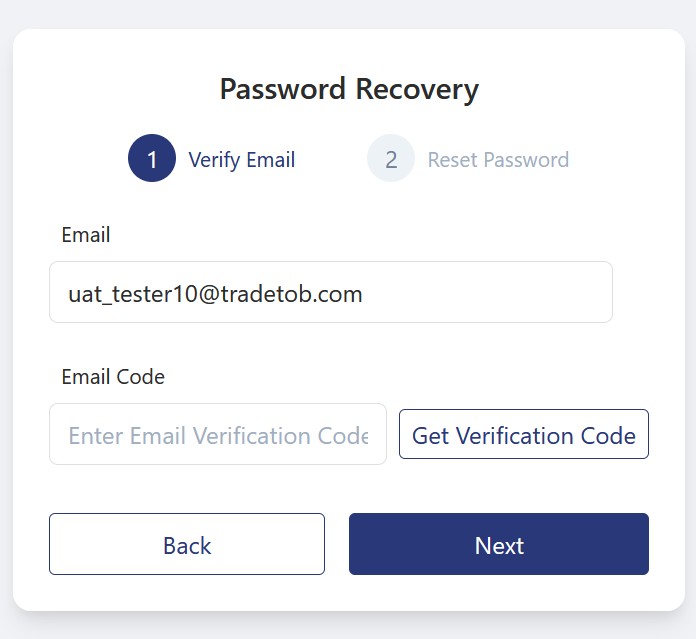
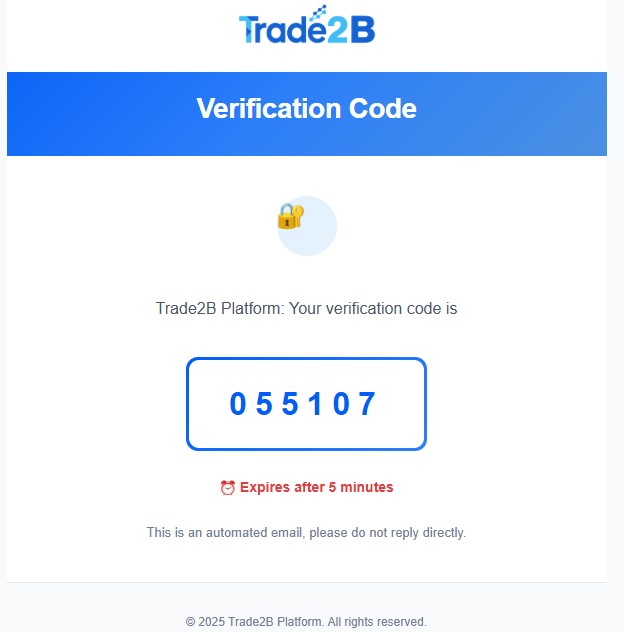
Step 3: Access your email to retrieve the verification code. Then enter the code in the Email Code field and click Next.
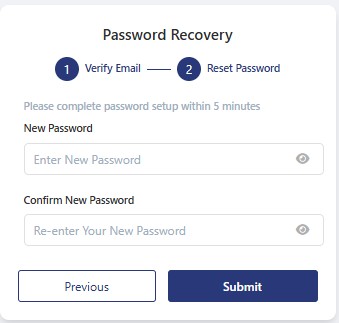
Step 4: Enter your new password in the New Password field, re-enter it in the Confirm New Password field, and then click Submit.
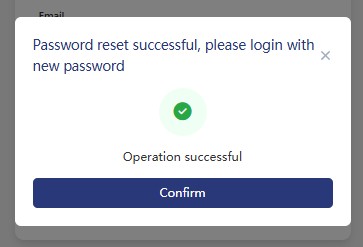
Step 5: After your password has been successfully reset, click Confirm to be redirected to the login screen. You can now log in with your new password.
A total of 1 page 1 data