How to add my MetaMask Wallet Address?
Step 1: Log in to your account, navigate to the Account section, and select Web3 Address Management.
Step 2: Under Add New Address, click Connect Wallet.
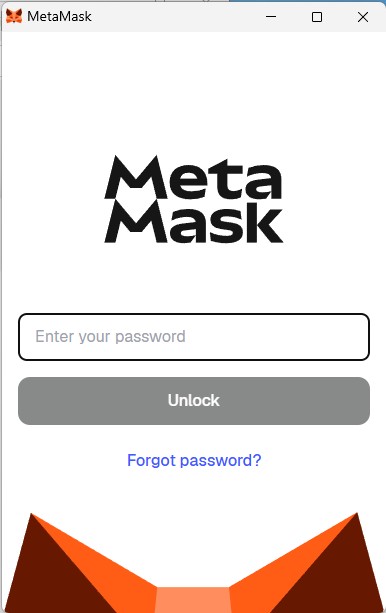
Step 3: Enter your password and click Unlock (this unlocks your platform session for wallet connection).
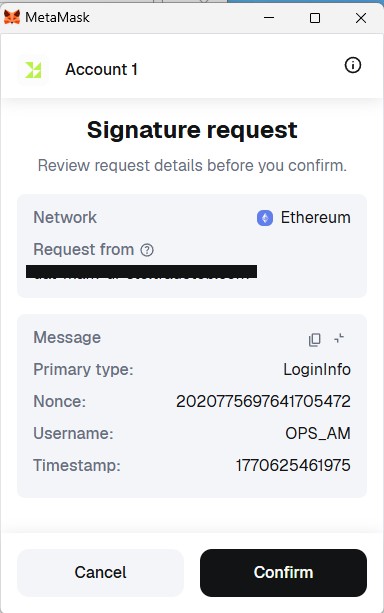
Step 4: In the MetaMask popup, review the signature request (it verifies you control the wallet), then click Confirm or Sign.
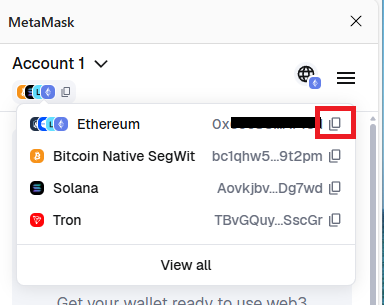
Step 5: In MetaMask, copy your Ethereum wallet address (click the account name at the top to copy it)
Step 6: Paste the copied wallet address into the Web3 Address field, then click Add Address to save it.
A total of 1 page 1 data