How to add my Bank Account?
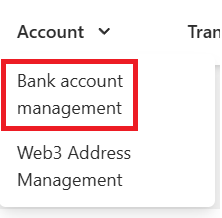
Step 1: Log in to your account, navigate to the Account section, then select Bank account management.
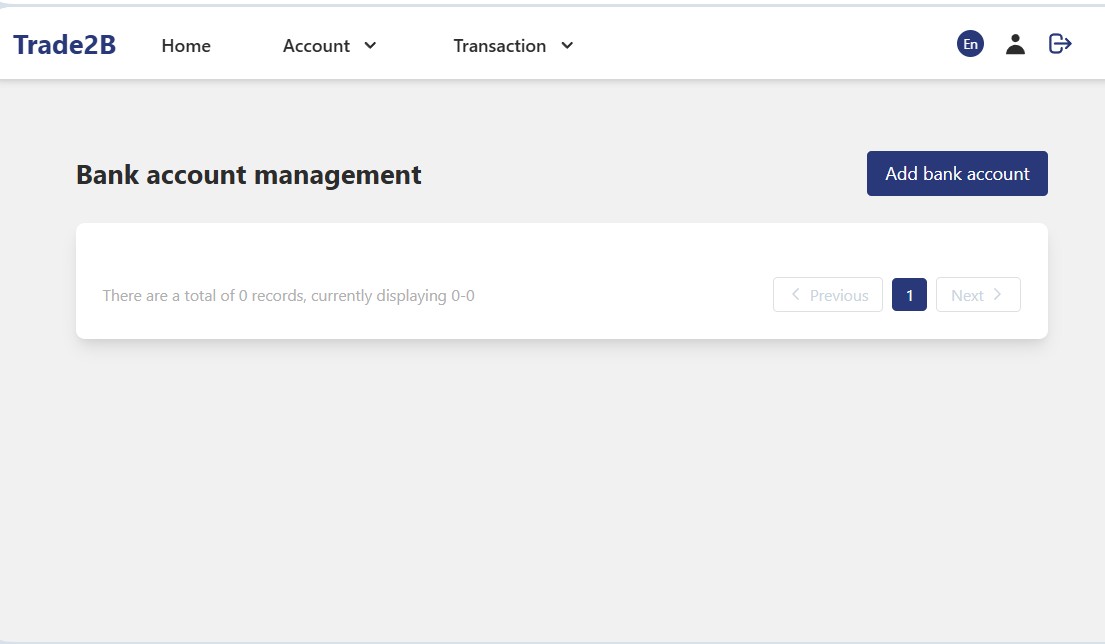
Step 2: Click Add bank account.
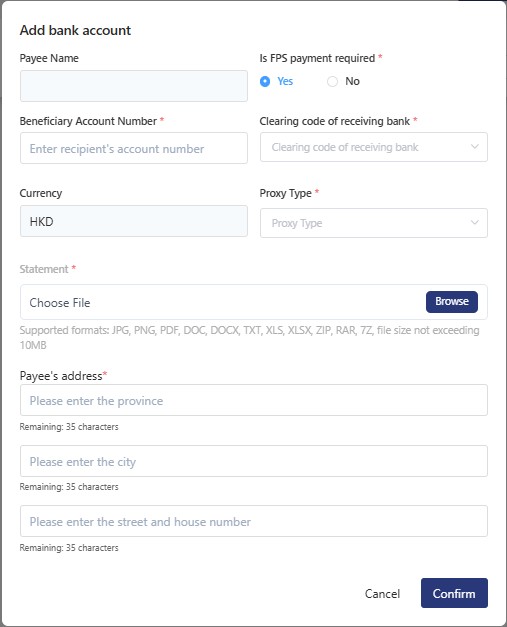
Step 3: Fill in all required bank account information, then upload a recent bank statement(issued within the last 3 months).
Ensure the account holder name (or Payee name) on the bank statement exactly matches the name registered in your account.
A total of 1 page 1 data